Linda, from a 1956 bassinet to her seventieth, youngest to oldest. Sort by age puts them in this order.
Slideshows made with care.
A whole life, ready for the party. Add the photos you have. Send one link and the family adds the rest. Watch it come together before you buy.
Free to preview. $79.99 to download.
Rather have us make it? $349, done for you.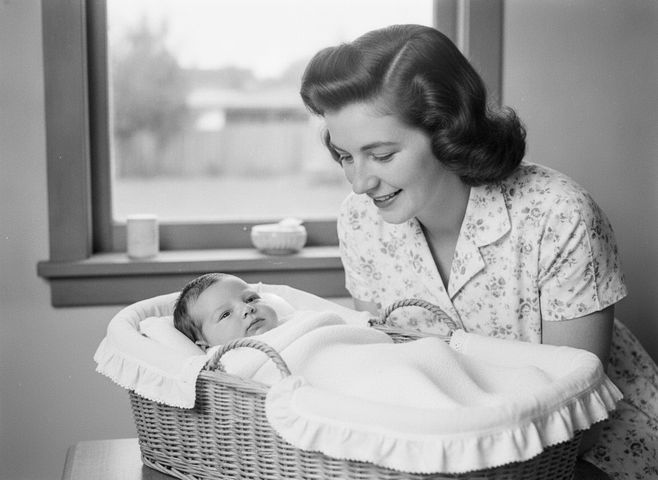
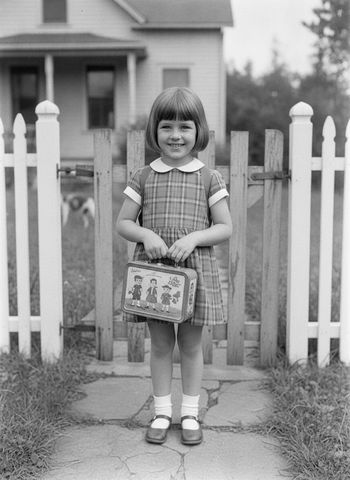

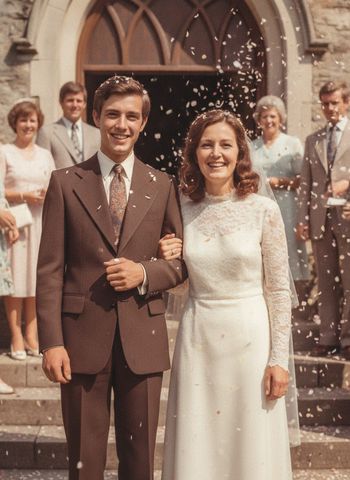
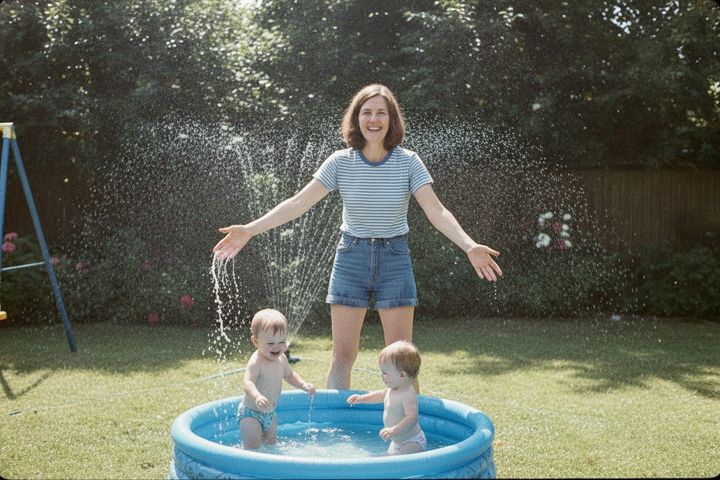

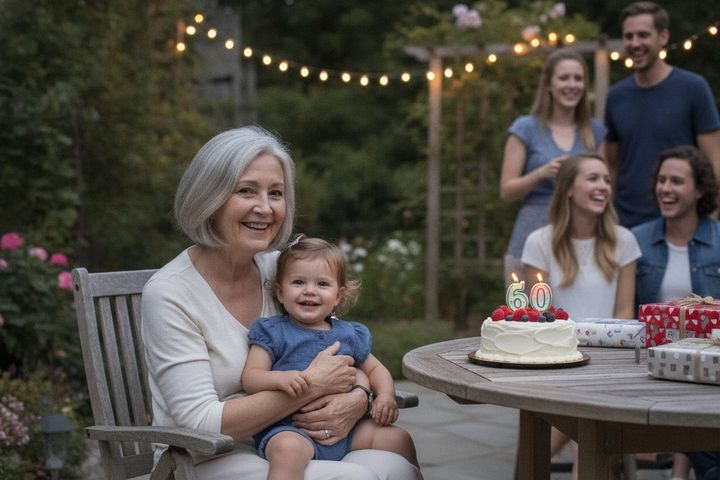

Linda, from a 1956 bassinet to her seventieth, youngest to oldest. Sort by age puts them in this order.
How it works
Family and friends open it on their phones and add what they have. It goes straight into your slideshow, and you get an email when it does. No app for them, no account.
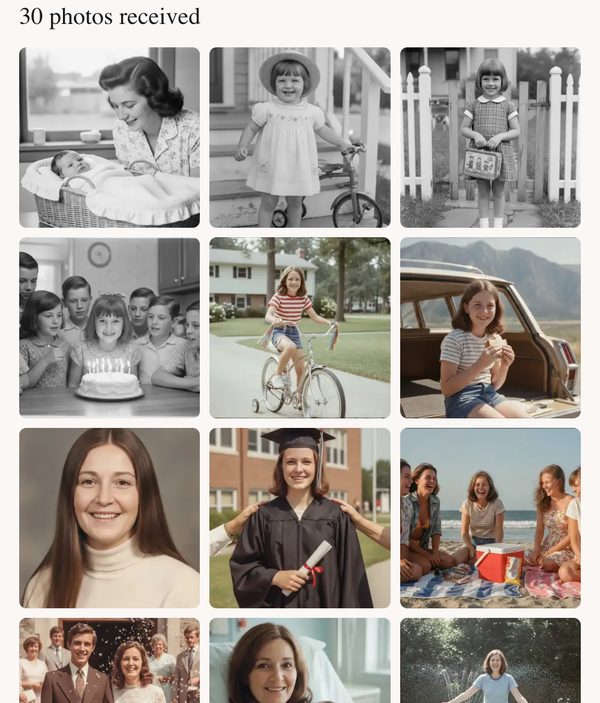
Sort by age lines them up, youngest to oldest. Look it over, keep it, or drag any photo somewhere else.
It plays in your browser as you add photos, with music. If a photo has to be cropped to fit, the people stay in the frame, and you can check every one. Pay only when you want the file.
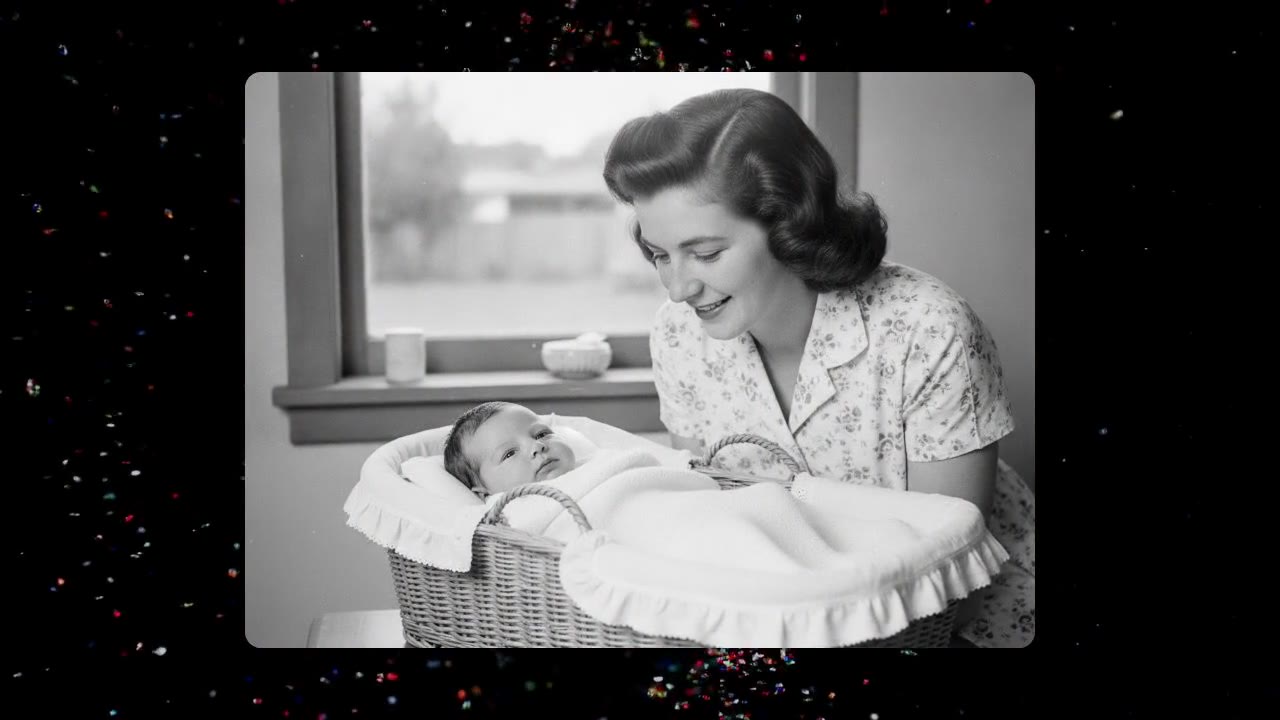
Themes
A theme is the backdrop, the motion and the music behind your photos. Try a few. It is the same slideshow each time.
Celebration, Confetti, sparklers and candlelight.
Two ways to make it.
No hidden fees. No subscriptions. No watermarks.
Make it yourself
$79.99
per slideshow
We make it for you
$349
complete, done for you
Send photos as soon as you ask. We start once the invoice is paid.
Have us build itOne link does it. Each person opens it on their phone, picks their photos, and they land straight in your slideshow. No app to install and no account for them to make. You get an email as each batch arrives.
A week is plenty and two is comfortable. Most relatives send their photos within a day or two of getting the link. The slideshow plays the moment you have photos in it.
No. Only the people you send the link to can see it, and the finished film stays private until you share it.
Three to five minutes, which is 40 to 80 photos at a few seconds each. It holds up to 300 photos and 5 short video clips if the family sends more, and it plays well at any length between.
Yes, for $349. We build the whole slideshow, frame every photo by hand, and work with you on changes until it feels right. You send the photos through the same link and we do the rest, ready before the party. Ask on the done-for-you page.
On anything with a screen. You get a standard MP4 that plays on a TV, a projector, a laptop or a phone. You also get a page that plays it, so a restaurant with a screen and Wi-Fi can open the link and press play.
Photograph them with a phone, straight from the album. Phone photos of prints work well, and if a photo has to be cropped to fill the screen, the people stay in the frame, and you check every crop before you buy.
Yes. You can add a song of your own, or pick from a small library of instrumental tracks. The song plays under the whole slideshow.
Watch the whole slideshow come together before you decide. Free to preview, and the family can add theirs at any point.
Slideshows made with care.