Personalized memorial products, delivered with care.

Printed photos

A shoebox of prints, into the slideshow, with your phone

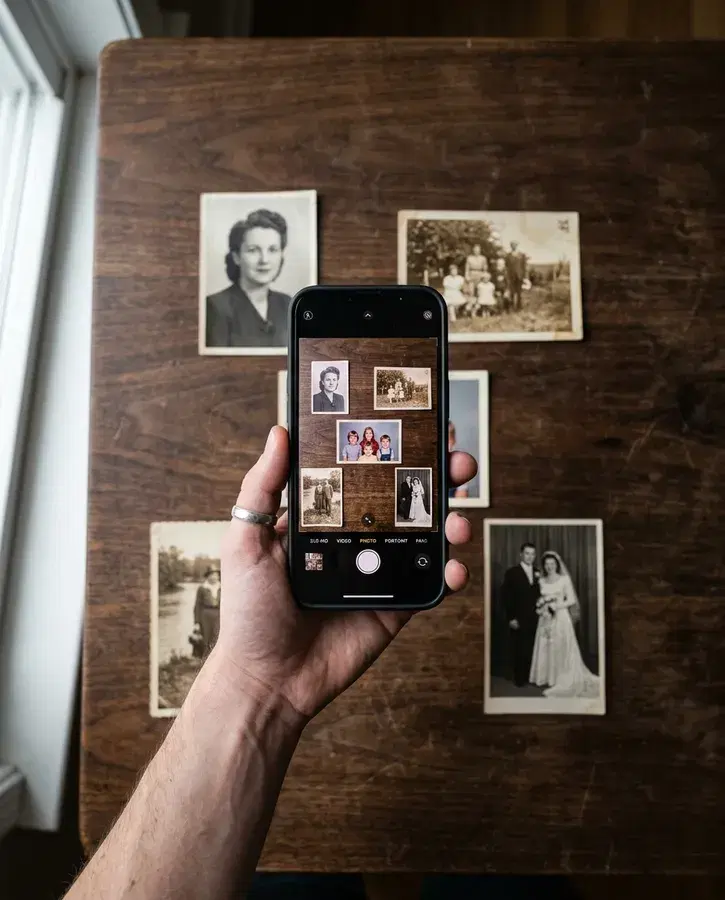
Lay a few prints on a table and take one photograph. Every print in it is found, and each one you keep goes into the slideshow straightened and trimmed to its edges. Your phone is the scanner.

Part of every slideshow, either way.

How to photograph your prints

  1. A few prints on a table, each with a little space of its own.
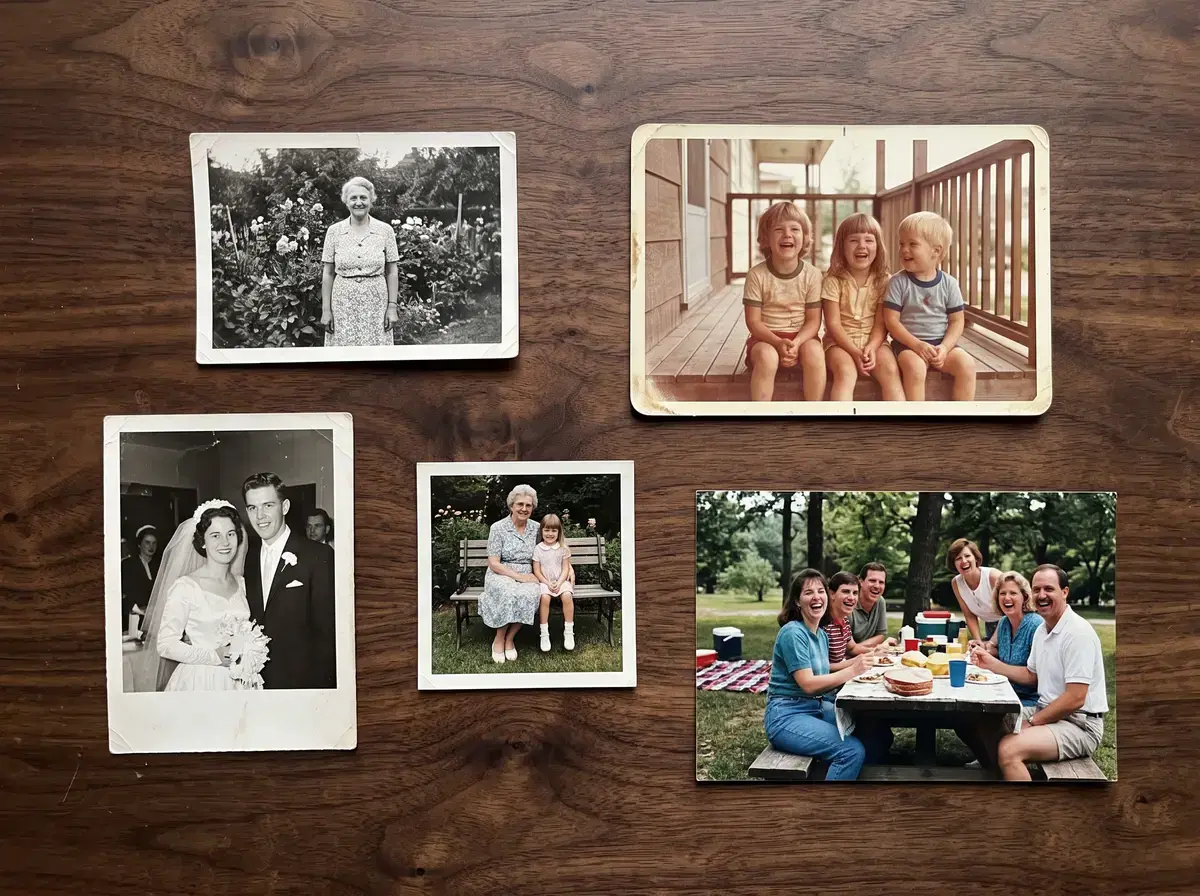
    Five old printed photographs laid out on a dark wood table, seen from straight above, with a gap of table around each one.
    • A plain, darker surface

      A table, a dark cloth or the floor, in one colour, so the edge of every print shows.

    • A finger's width apart

      Space around each print gives it its own edge. Prints that touch come out as one.

    • Four to six at a time

      Each print gets more of the photograph, so each comes out sharper.

  2. Your phone's camera is the scanner.

    A phone held flat above the table, its screen showing the prints below it.
    • Daylight

      Light from a window, with your shadow falling away from the prints.

    • Straight above

      Hold the phone flat and level over the middle of the table.

    • Every print in the picture

      Move in until the prints fill the screen, with a little table showing around each one.

  3. Each of these makes the prints come out worse than they could.
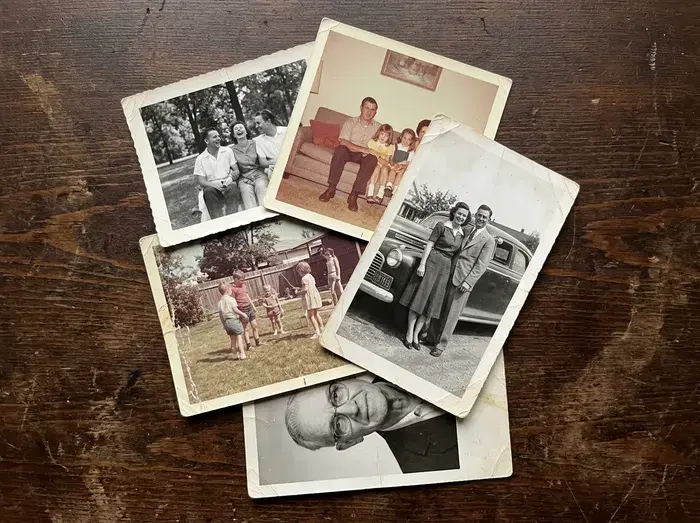
    • Printed photographs piled on a table, overlapping one another.

      Overlapping prints

      Prints that overlap or touch come out as one photograph.
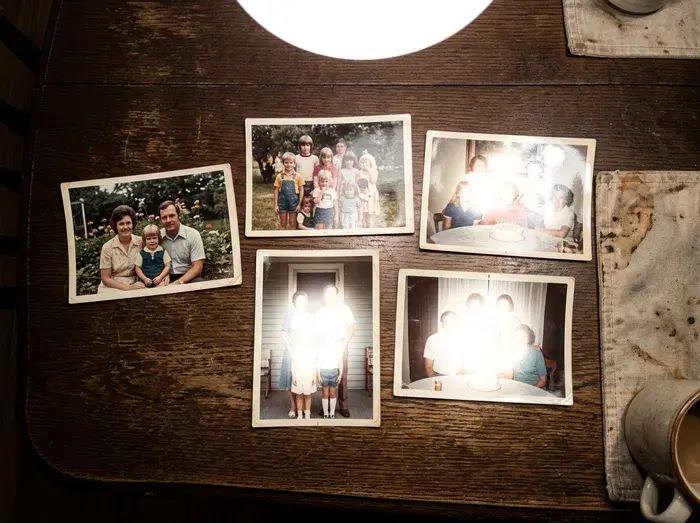
    • Prints on a table under an overhead lamp, with a bright shine washing out three of them.

      Glare from a lamp

      A shine across a print hides the faces under it. Turn off the overhead light and use a window.
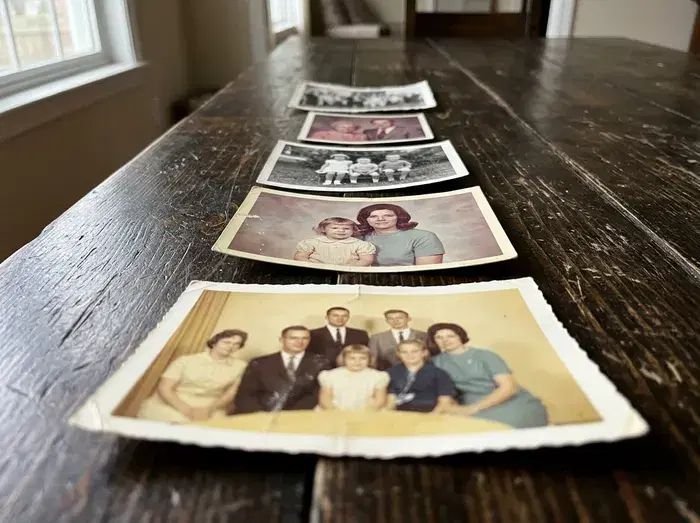
    • Prints on a table photographed from a low angle, so the far ones look small and slanted.

      Taken from the side

      From an angle the far prints come out small and soft. Stand over the table.

  4. Every print we find is outlined, and you choose whether to keep them as separate photos. Each one kept goes into the slideshow straightened and trimmed.
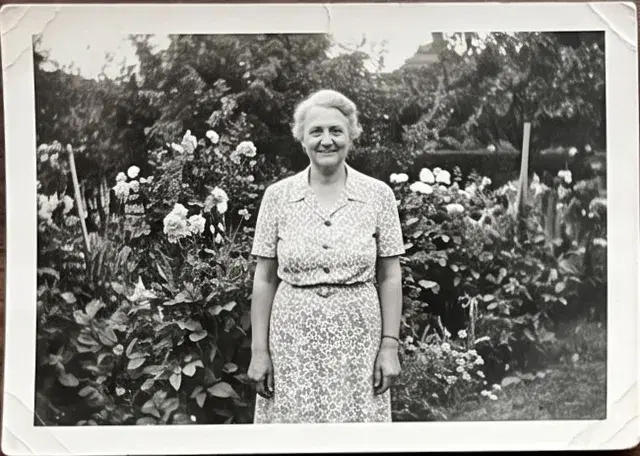
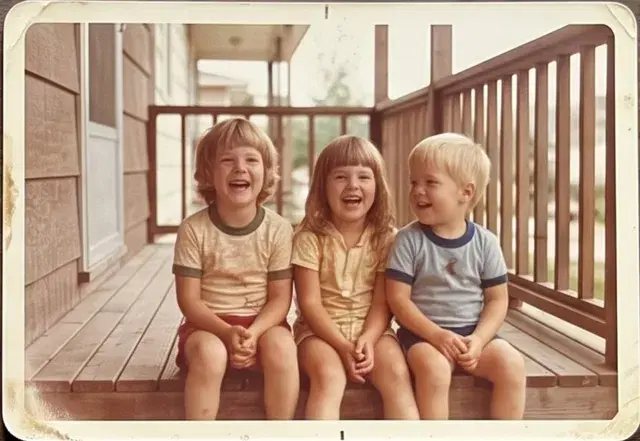
    The photograph of the table, with an outline around each of the five prints that were found.
    • Black and white print of a woman standing in a flower garden.
    • Faded colour print of three children laughing on a porch.
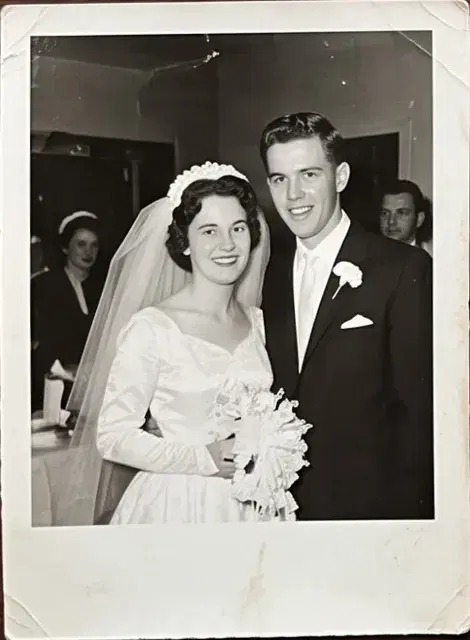
    • Black and white wedding portrait of a bride and groom.
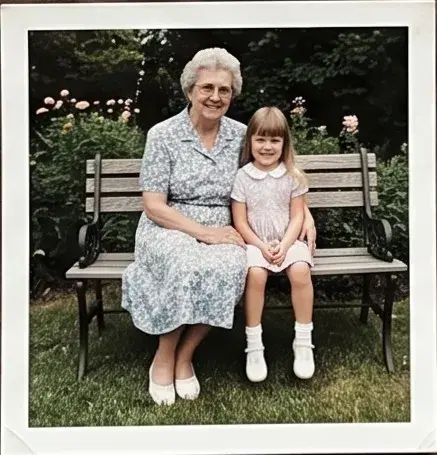
    • Colour print of a grandmother and a small girl on a park bench.
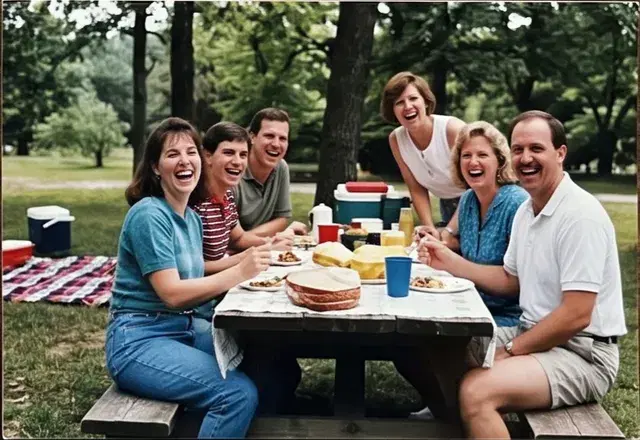
    • Colour print of a family laughing around a picnic table.

Each print, on its own

  • Cut out along its edges, even when it lies at an angle.
  • Straightened, as if it had been scanned flat.
  • Trimmed to the print, with the table gone.
  • The picture as it is. A faded print stays a faded print, and the slideshow shows it with care.

Where it fits

A slideshow we build for you
The link we email you has an Add printed photos door. It walks you through the table, the photograph and the check, one screen at a time.
A slideshow you make yourself
Start with your prints and the editor opens on this guide. It walks you through the table and the photograph, shows the prints it found, and you keep them as separate photos or leave the photograph as one. The same guide is under Printed photos whenever more turn up.

Frequently asked questions

How many prints can I photograph at once?

Four to six come out sharpest, because each print gets more of the photograph. Up to thirty two fit in one shot if they are small and well spaced.

Do the prints need white borders?

Each print needs an edge we can see. A white border gives it one; for prints without a border, lay them on a table darker than the photographs, with a finger's width of space between them.

What about prints in an album?

Photograph the page as it is and add it. Prints on an album page sit close together, so some pages come through as one photograph. Lifting them onto a table for a moment gives each its own edge.

Will it fix a faded or damaged print?

Each print comes through as it is, straightened and trimmed to its edges. The colours are yours; a faded print stays a faded print, and the slideshow shows it with care.

Can I undo it?

Yes. Every split is yours to keep or put back, and the photograph of the table stays in your slideshow's files either way.

Does it cost extra?

It is part of every slideshow, whether we build it for you or you make it yourself.

Where do the photographs go?

Into your slideshow's private files, like any photo you add. Only the people you share the slideshow with see them.

Start with the prints you have

Make it yourself and watch it play as you add photos, prints included. Or tell us who it is for and we build the whole slideshow.