Graduation Slideshow: How to Collect Photos From Kindergarten to Cap and Gown
The graduation party has a rhythm. People arrive, they eat, they find the graduate and say the thing they came to say, and somewhere in the middle of it a slideshow plays on the TV. It runs on a loop all afternoon, and every time a new relative walks in, someone points at the screen and says "look at her at five."
That slideshow is the easy part to build. The hard part is the photos, because thirteen years of school are not in one place. The first day of kindergarten is on a phone you replaced three phones ago. The fifth-grade promotion is on Grandma's. The best photo from the marching band season belongs to another parent, and the yearbook photos are somewhere at the school. This guide is about getting them into one place with time to spare.
Three weeks is comfortable, a week is enough
If the party is next weekend, start tonight: the slideshow plays as soon as there are photos in it, and most relatives send theirs within a day or two of getting the link. With more time, this is the plan that keeps the week of the party calm:
- Three weeks before: ask. Message the grandparents, the aunts and uncles, the friends' parents who have been in the carpool since third grade, and the school. Say what the photos are for and when you need them by, and give everyone one place to put them (more on that below).
- Two weeks before: gather your own. Go year by year through your own phone and your spouse's, pull the old phone out of the drawer, and photograph the printed school portraits. This is the week the other people's photos start to arrive.
- One week before: build and check. Put the slideshow together, choose the music, and watch it on the TV it will actually play on. Then let the graduate see it, or do not, depending on the graduate.
Photos arrive later than promised. The week of margin is what absorbs that.
Where thirteen years of photos are
Make a short list before you ask anyone, because the ask goes better when it is specific. For most graduates the photos live in seven places:
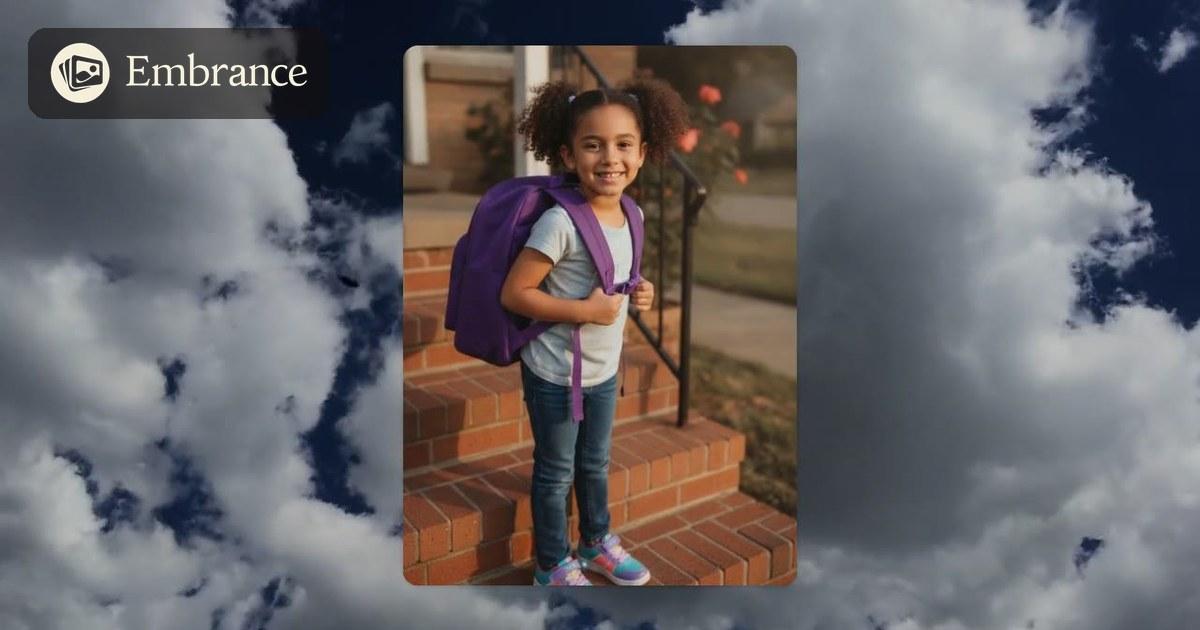
- Your phone, by school year. Scroll to each August and each June. The first day of school photo on the front steps is the spine of the whole slideshow, and if you took one every year, you already have the best thirteen photos in it.
- The old phones. Kindergarten through about fourth grade are usually on a phone that is in a drawer, or backed up to an account you have not opened in years. This is worth an hour, because those are the photos that get the biggest reaction at the party.
- The school portraits. The stiff ones with the mottled backdrop, one a year, in a frame or an envelope in a closet. Photographed in a line, kindergarten to senior year, they are the "then and now" the whole room wants.
- The grandparents. They have the recital, the tooth, the Easter outfit, and the photos from the years you were too busy to take any. Their albums and their phones both.
- The other parents. The team, the band, the play, the carpool. They have the moments you missed and the group photos with everyone in them, and this is the ask that needs a link, because a group text of forty photos is where things get lost.
- The school and the yearbook. The band director, the coach and the yearbook adviser all have galleries. Ask for your graduate by name, and ask early, because May is their busiest month.
- The graduate's own phone. Prom, homecoming, the senior sunrise, the friends. They will have a hundred, and they will know which ten are the ones. Ask for those ten.
One link instead of a hundred texts
The reason graduation photos get lost is that they arrive twelve different ways. A grandparent texts three, an aunt emails one at full size, a friend's mother sends a screenshot of a photo, and by the second week you are scrolling group chats trying to remember who sent what.
Send one link instead. On Embrance you make a family link for the slideshow and send it to everyone at once: the family group chat, the parents from the team, the grandparents, the graduate's friends. Anyone who opens it can add photos straight from their phone. They do not need an account or an app, and there is nothing to download. The photos land in the slideshow as they arrive, so you watch it fill up instead of chasing it.
The message that works is short and gives a date: "Making a slideshow for Ava's graduation party. If you have any photos of her from any year, add them here by the 30th. Thank you." People respond to a link and a deadline. They do not respond to "send me anything you have."
How many photos, and how long
A party slideshow runs on a loop while people eat and talk, so it can be longer than one played at a ceremony. Three to five minutes is the sweet spot, which is 40 to 80 photos at a few seconds each. Long enough that a guest who looks up sees a different year each time, short enough that it comes back around to the first day of kindergarten before anyone leaves.
If the school has asked for a senior slideshow for the whole class, it is a different shape: one baby photo and one senior photo per graduate, in the order they walk, and the family link works for that too. Every family adds their own graduate's two photos to the same place, and you put them in order.
Order the photos the way the years went. Start with the smallest version of them and the biggest backpack, move through the grades, and end with cap and gown. The last photo should be the one that looks most like them right now.
The photos that make a graduation slideshow
Some photos do more work than others. If you have to choose, keep:
- Every first day of school. Same steps, same pose, thirteen years. If you only have some of them, the ones you have are enough.
- The school portraits in a line. Kindergarten to senior year, one after another, is the sequence people film on their phones off the TV.
- The things they were into. The recital, the science fair, the team, the play, the job. A slideshow that is only portraits is a slideshow of a stranger.
- One with each grandparent. They are at the party, and they will watch for it.
- The friends. Especially the ones who have been around since elementary school. Their parents are at the party too.
- Cap and gown, last. The portrait, the walk across the stage, and the one with the family after.
Bringing it into the slideshow
Once the photos are in one place, the build is the short part. On Embrance the family link puts every photo straight into the slideshow, so there is nothing to download and re-upload. Sort them by year, choose a theme and a song, add an opening card with their name and the class year, and watch the whole thing play before you pay anything.
Make the graduation slideshow
Add the photos you have, send one link to the family, and watch thirteen years come together, set to the song you choose. Free to preview. You only pay when you love it.
Common questions
How many photos do I need for a graduation slideshow?
For a party, 40 to 80 photos: three to five minutes at a few seconds a photo, running on a loop while people eat. If it is a senior slideshow for the whole class at a ceremony or a senior breakfast, plan two photos per graduate, a baby photo and a senior photo, so a class of a hundred stays under ten minutes.
When should I start collecting photos for a graduation slideshow?
A week is enough if that is what you have: the slideshow plays as soon as there are photos in it, and most relatives send theirs within a day or two of getting the link. Three weeks is comfortable: ask everyone in the first, go through your own phones and the school portraits in the second, build and check in the third.
How do I get photos from the grandparents and the other parents?
Send one link instead of asking for texts and emails. With Embrance you make a family link that anyone can open on their phone and add photos to; they need no account and nothing gets lost in a group chat. The photos land in the slideshow as they arrive.
What order should the photos go in?
By school year, first day of kindergarten to cap and gown. Sort by age does this for you, and the school portraits in a line make the spine. Put the things they were into between the portraits, and end with the graduation photos.
Can I include short video clips in a graduation slideshow?
Yes, up to five short clips, as MP4 or MOV, and they play with their own sound. Keep each under ten seconds. The walk across the stage, the cap toss, or a few seconds of the recital at eight are the ones families use.
How do I play the slideshow at the party?
On the TV. Download the finished MP4 to a laptop or a USB stick and plug it in over HDMI, or open the shareable link on a smart TV with Wi-Fi and press play. It loops, so set it going when the first guests arrive. Test it on that TV a day or two before.
If you would rather hand the photos over and have it made for you, someone can make it for you.