Senior Night Slideshow: How to Collect Photos From Every Season
Senior night comes once. Your athlete walks out with you before the last home game, the announcer reads a few lines, and for a couple of minutes the whole stand is looking at them. If there is a slideshow, it plays right then, on the scoreboard or a screen by the field, and it is the one thing from that night people will ask you to send them afterward.
The slideshow itself is the easy part. The hard part is the photos, because they are not in one place. They are on your phone, on your spouse's phone, in a grandparent's album, in the team photographer's gallery from three seasons ago, and on a dozen other parents' phones from the games you missed. This guide is about getting them all into one place with time to spare.
Three weeks is comfortable, a week is enough
If senior night is next week, start tonight: the slideshow plays as soon as there are photos in it, and most parents send theirs within a day or two of getting the link. With more time, this is the plan that keeps the night calm:
- Three weeks before: ask. Message the other parents, the team photographer, the coach, and any grandparent with a shoebox. Say what the photo is for and when you need it by, and give them a place to put it (more on that below).
- Two weeks before: gather your own. Go season by season through your own phone and your family's, and photograph the printed ones. This is the week the other parents' photos start to trickle in.
- One week before: build and check. Put the slideshow together, choose the music, and watch it on a TV, not a phone. Then hand the file to whoever runs the screen and ask them to test it.
Photos arrive later than promised, and the week of margin is what absorbs that.
Where the photos are
Make a short list before you ask anyone, because the ask goes better when it is specific. For most athletes the photos live in six places:
- Your phone, by season. Scroll to each fall or spring and pull the ones with a face you can see. Game action from the bleachers is mostly a small figure on a big field; the walk to the car afterward is usually the better photo.
- The team photographer or the booster page. Most programs have a parent who shoots every game, and their gallery is the best action photography you will get. Ask for your athlete by number.
- Other parents. They have the moments you missed and the team photos with everyone in them. This is the ask that needs a link, because a group text of forty photos is where things get lost.
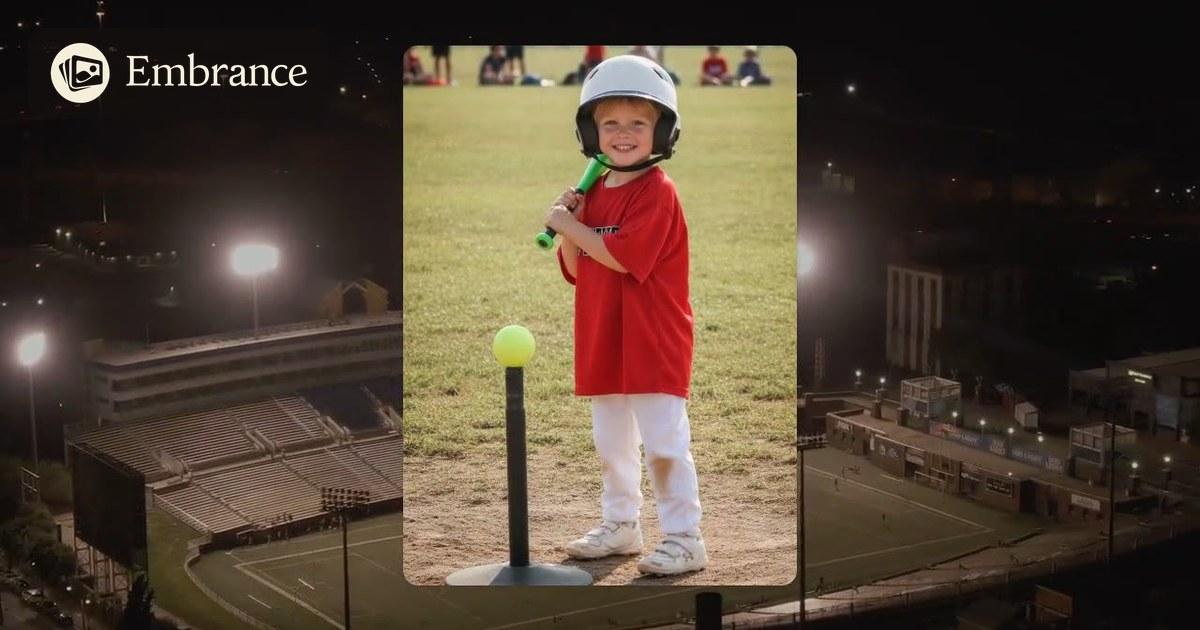
- The early years. T-ball, rec league, the first uniform that was too big. Grandparents and older siblings usually hold these, and they are the photos that get the biggest reaction from the stands.
- School and yearbook. Team pictures from each year make a clean "then and now" line through the slideshow.
- The printed ones. Anything in a frame or an album. Photograph it with your phone in good light; our guide to photographing old photos with your phone covers glare and angles in a minute.
One link instead of forty texts
The reason senior night photos get lost is that they arrive twelve different ways. A parent texts three, another emails one, a grandparent sends a screenshot of a photo, and by the second week you are scrolling through group chats trying to remember who sent what.
Send one link instead. On Embrance you make a family link for the slideshow and send it to everyone at once, the whole parent group, the coach, the grandparents. Anyone who opens it can add photos straight from their phone; they do not need an account or an app, and there is nothing to download. The photos land in the slideshow as they arrive, so you watch it fill up instead of chasing it.
The message that works is short and gives a date: "Making a senior night slideshow for Maya. If you have any photos of her from any season, add them here by the 20th. Thank you." People respond to a link and a deadline. They do not respond to "send me anything you have."
How many photos, and how long
At the game, the slideshow plays once, to a crowd that is standing, on a screen they are half watching. Short wins. For one athlete, 30 to 60 photos at a few seconds each runs two to four minutes, which is what the moment can hold.
At the banquet, where families are seated and every senior gets a segment, 10 to 20 photos per athlete keeps a team of eight under 15 minutes. If you are building the whole team's slideshow, the family link works for that too: every family adds their own athlete's photos to the same place, and you arrange them by player.
Order them the way the years went. Start with the smallest version of them in the biggest uniform, move through the seasons, and end with this year. The last photo should be the one that looks most like them right now.
Music
One song for a two to four minute slideshow; two for a longer banquet segment. Choose something they actually listen to, or something the parents in the stand will feel. Our senior night slideshow songs list is sorted by mood and by sport if you want a starting point, and on Embrance you can bring the track you want as an MP3 or M4A and it plays under the photos.
One practical note: if you plan to post the finished video afterward for the relatives who could not come, popular songs can be muted on Facebook or Instagram. That does not affect the game or the banquet, only the online copy.
Playing it on the night
Ask the athletic director early what the scoreboard or the banquet screen can play. Nearly all of them take a video file from a laptop over HDMI or from a USB stick, so the reliable path is to download the finished MP4, put it on both, and test on the actual screen a day or two before. Do not rely on Wi-Fi at the field.
For everyone else, the shareable link plays the same slideshow on any phone or smart TV, which is what you send to the grandparents the next morning.
Make the senior night slideshow
Add your athlete's photos, send one link to the other parents, and watch every season come together, set to the song you choose. Free to preview. You only pay when you love it.
Common questions
How many photos do I need for a senior night slideshow?
For one athlete, 30 to 60 photos: two to four minutes at a few seconds a photo, which is what a crowd at a game will watch. For a banquet where every senior gets a segment, plan 10 to 20 photos per athlete so the whole thing stays under 15 minutes.
When should I start collecting photos for senior night?
A week is enough if that is what you have: the slideshow plays as soon as there are photos in it, and most parents send theirs within a day or two of getting the link. Three weeks is comfortable: ask the other parents and the team photographer in the first, gather your own from every season in the second, build and check in the third.
How do I get photos from the other parents?
Send one link instead of asking for texts and emails. With Embrance you make a family link that any parent can open on their phone and add photos to; they need no account and nothing gets lost in a group chat. The photos land in the slideshow as they arrive.
Should the senior night slideshow be one athlete or the whole team?
It depends on where it plays. At the game, most schools show one short tribute per senior, so make yours about your athlete. At the banquet, one slideshow with a segment per senior is usual, and the booster club or team parent often builds it from photos every family sends in.
Can I include short video clips in a senior night slideshow?
Yes, up to five short clips, as MP4 or MOV, and they play with their own sound. Keep each under ten seconds: a slideshow is watched for the faces, not the highlights, and a long game clip on a scoreboard loop rarely reads well. One clip near the end, the walk-off or the last whistle, is usually the right amount.
How do I play the slideshow at the game or the banquet?
Ask the athletic director what they can play. Most scoreboards and banquet screens take a video file from a laptop over HDMI or a USB stick, so download the finished MP4 and test it on the actual screen a day or two before. A shareable link also plays on any phone or smart TV for the families who could not be there.
If you would rather hand the photos over and have it made for you, someone can make it for you.